
Promote your L&D program
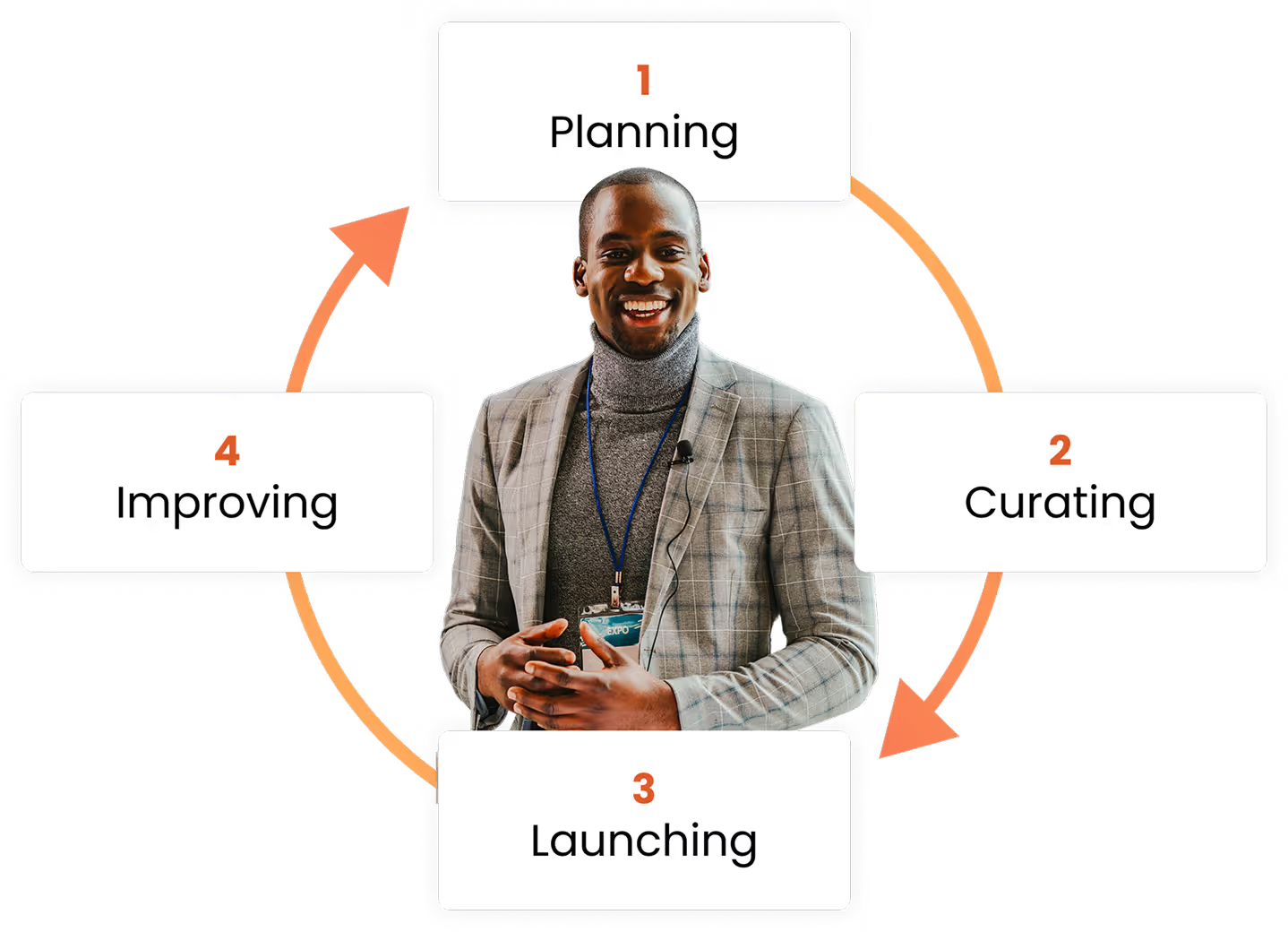
Ready to get learners excited and invested in new training opportunities? Successfully promoting your program involves four key phases: 1) Planning, 2) Curating, 3) Launching, and 4) Improving. Below, you'll find templates, worksheets, and other resources to help you navigate each phase, spread the word, and increase learner engagement.
Why this matters
Taking the time to thoughtfully promote learning opportunities makes all the difference. Hear from Customer Success Manager Leo Robadey about the impact you can have when you ensure learners are aware of the skill building opportunities available to them.

Phase one
Planning for success
The planning stage is crucial for building a strong L&D program. This is when you’re establishing timelines, defining goals, and crafting a promotion strategy. Use the resources below to ensure your program is aligned with business needs from the start, and lay a foundation for a smooth roll out.
Essential resources

Online training project plan

Other resources
Internal training request form
Make it easier for other teams, departments or business units to request courses.
Content priorities worksheet
A worksheet you can use to outline the topics you want to prioritize and set a timeline for releasing new content.
Communication plan template
A template to help you plan how you’ll promote your training program to learners.
OpenSesame Qualified overview
A look into how OpenSesame structures its own internal training program.
Phase Two
Curating courses
Selecting relevant courses that align with your organization's goals is key to keeping learners engaged and meeting compliance or skill development needs. Fewer, well-chosen courses can be more impactful than overwhelming learners with too many options. Curating strategically will improve learner engagement and ensure your L&D program remains relevant and impactful.

Essential resources

Curating and refining your L&D

Other resources
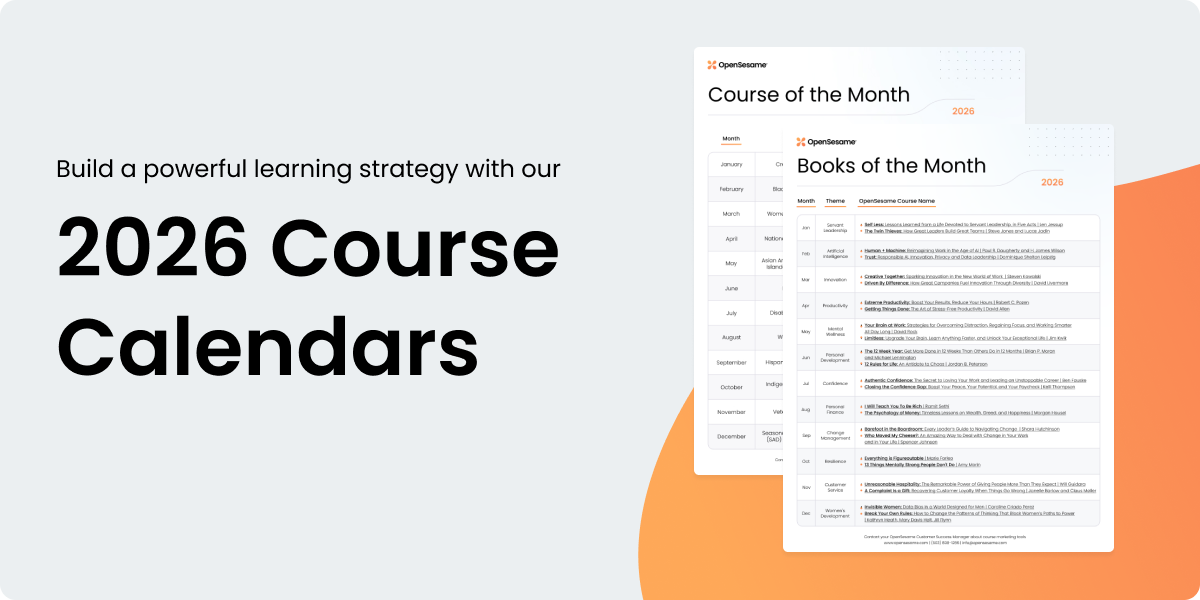
Book of the month calendar
Each monthly theme is paired with two book summaries in the OpenSesame catalog, making some of the best business titles available for even the busiest schedules.
AI training calendar
Navigate the future of work with our AI course calendar, offering monthly training on AI skills, ethics, and workplace applications.
“Back to school” marketing resources
A collection of back-to-school themed resources, with an associated curated list.

Phase Three
Launching your program
A successful launch is about more than just deploying courses; it's about engaging employees and generating excitement around continuous learning. With the right promotional strategy, you can boost participation right from the start and ensure learners feel supported in their journey.
Essential resources

Launch checklist

Phase Four
Improving your program
Continuously improving your L&D program ensures it evolves with your organization's needs and learner feedback. The resources below allow you to make data-driven decisions to refine and enhance your offerings. Keeping things fresh helps you stay aligned with business goals, promotes learner engagement, and demonstrates a commitment to employee development.

Essential resources
Learning newsletter toolkit
Other resources
Creating an Efficient Learning Ecosystem
Get an in-depth look at DAZN’s training program and how they ensure their course content is relevant to learners.
Crafting a Winning Leadership Development Program
Hear from OpenSesame experts on how to build your organization’s next generation of leaders.
How To Deliver DEI Training That Drives Real Change
Get tips and tactics on how to get buy in for, and deliver, DEI training that resonates with your workforce.
Next-Gen Compliance: Building Modern, Agile Training Programs
Compliance requirements change rapidly. Get expert advice on how to keep up.
Customer Learning Program Feedback Survey
Receive a concise explanation of the survey’s purpose to grasp the significance of your feedback.


Help Us be better
Join the Customer Feedback Group
Are you interested in influencing OpenSesame's course and platform roadmaps? Apply today to join the OpenSesame Customer Feedback Group! This team of OpenSesame customers will be among the first to see and share feedback on potential new publishers and platform enhancements.